


If you already know the domain you want, find out where it is in the expiration process before opening an auction account. A registrar may send the name to a partner auction while the previous owner can still renew it. If the registry releases it, you can try a backorder or register it directly if it remains available. If you’re open to several names, start with an aggregator and build a shortlist.
An expired domain can give you a memorable web address, relevant links from other sites or visitors who still follow old links. Those advantages depend on the name’s history and what you plan to build. A domain that once belonged to a legitimate business may also carry abandoned links, misleading search results or a trademark you can’t use.
Where to look for an expired domain
| Platform | Type | Best for | Pricing model |
|---|---|---|---|
| GoDaddy Auctions | Auction / closeout | Expired inventory | Bid or fixed price + fees |
| NameJet | Backorder / auction | Registrar expiry lists | Pay if acquired |
| SnapNames | Backorder / auction | Tracking a specific name | Order or winning bid |
| DropCatch | Drop catching | Pending deletes | Order or winning bid |
| Namecheap Market | Auction / buy now | Registrar account buyers | Bid or fixed price |
| Flippa | Marketplace | Domains or whole sites | Bid or listed price |
| Domain Coasters | Marketplace | Curated inventory | Listed price |
| ExpiredDomains.net | Aggregator | Free shortlisting | Free |
| CatchDoms | Aggregator / research | Filtering across sources | Free and paid tiers |
| Karma Domains | Aggregator / research | Archive-based summaries | Credits or subscription |
| SpamZilla | Research tool | Spam screening | Limited free and paid |
| DomCop | Research tool | Metric comparison | Subscription |
| Domain Hunter Gatherer | Research tool | Desktop research | Free and paid tiers |
Marketplaces and backorder services are where you bid, buy at a listed price or ask a provider to try to acquire a name for you. The same marketplace may list names at different stages, so check whether the listing is for a registrar’s expiring inventory, a pending-delete domain or a name someone already owns.
Aggregators collect listings from several places. Start here when you know the words, extension or niche you want but don’t have a specific domain in mind. Once you find a match, open the original listing and verify the price and deadline there. Feeds can lag behind the marketplace.
Research tools add historical data and filters so you can narrow a long list before inspecting individual domains. They’re especially handy when you’re comparing a few dozen names. For a shortlist of two or three, you can usually make a first pass with a web archive, a backlink checker and a trademark search.
Marketplaces and backorder services
1. GoDaddy Auctions
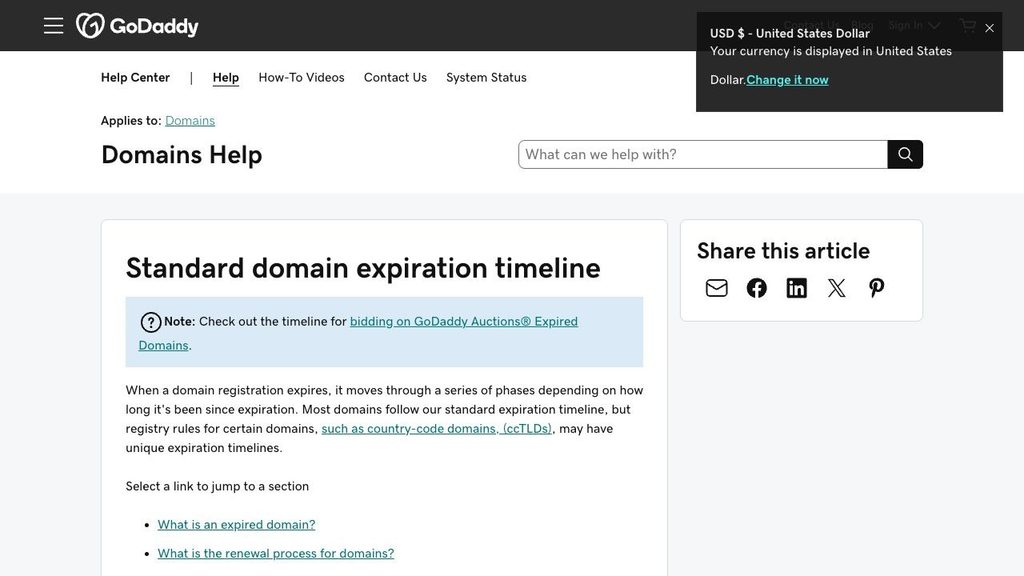
Best for browsing expired auction inventory and checking closeouts.
GoDaddy lists expiring domains for competitive bidding. Some unsold names move into fixed-price closeouts. The auction screen may show traffic, age or backlink estimates alongside the current price. Use those columns to prioritize names to inspect, then open the original linking pages and confirm they are still live.
Before bidding, check the membership requirement and the total due. GoDaddy can add a one-year renewal and an applicable ICANN fee to the displayed price. Its expiration timeline also allows for the prior registrant to renew at certain stages, so wait for delivery before announcing the name.
2. NameJet
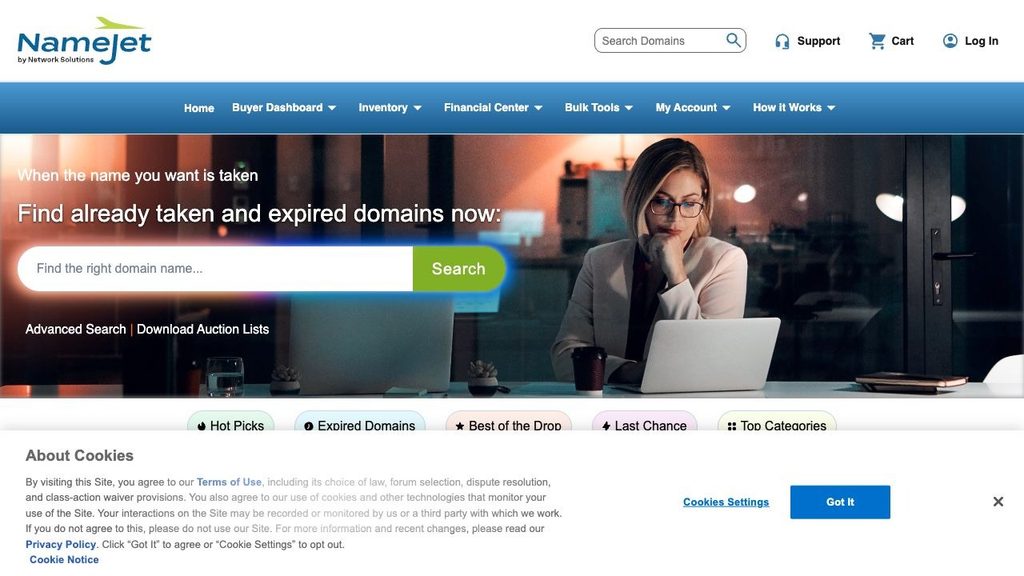
Best for checking partner registrar inventory and pending-delete lists in one place.
NameJet carries names from partner registrars and lists domains approaching deletion. A backorder is free to place. If NameJet obtains the domain and you win it, you owe the applicable price. Multiple eligible orders can lead to competitive bidding, and the auction’s participation rules can depend on the listing.
Read the deadline on the specific domain, including its time zone. If you’re ordering through more than one service, check how NameJet treats overlapping orders with SnapNames before assuming two orders give you two independent chances.
3. SnapNames
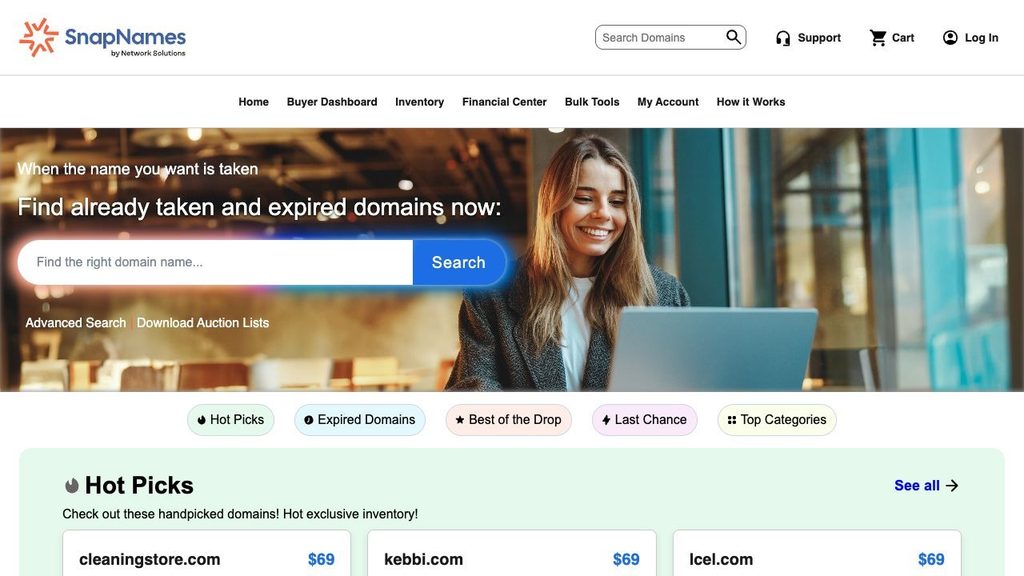
Best for tracking a specific name through expiry or pending deletion.
SnapNames offers both partner expiry inventory and names that it can try to register after deletion. Search for the exact domain to see its category, minimum price and cutoff. If several buyers want the same name and the platform secures it, the listing can go to auction.
A backorder gives you an opportunity to acquire the domain. The registrar might renew or retain the name, the service might lose the race to register it, or other bidders might take it above your budget. Check your order status before spending on branding for that name.
4. DropCatch
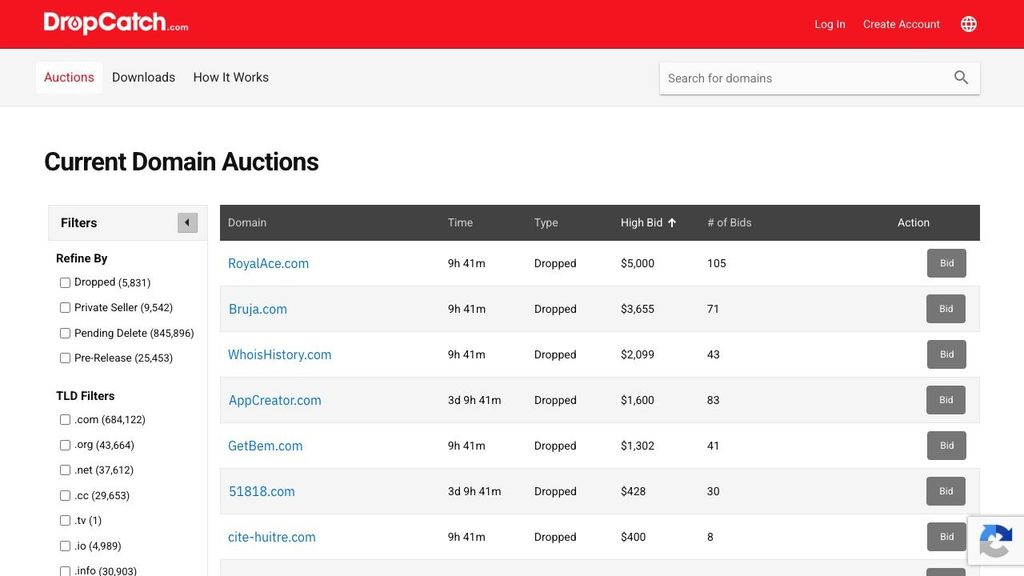
Best for placing a backorder on a name scheduled for registry release.
DropCatch is designed for domains that reach the drop. Search the exact name and confirm the supported extension, order deadline and price before placing a backorder. If DropCatch secures a name with competing standard backorders, it can go to public auction, so the opening price may be well below the eventual sale price.
This is a useful route once a domain is scheduled to drop. If the listing you found is a registrar’s own expired auction, check that auction’s deadline first. The domain may change hands there and never reach DropCatch’s queue.
5. Namecheap
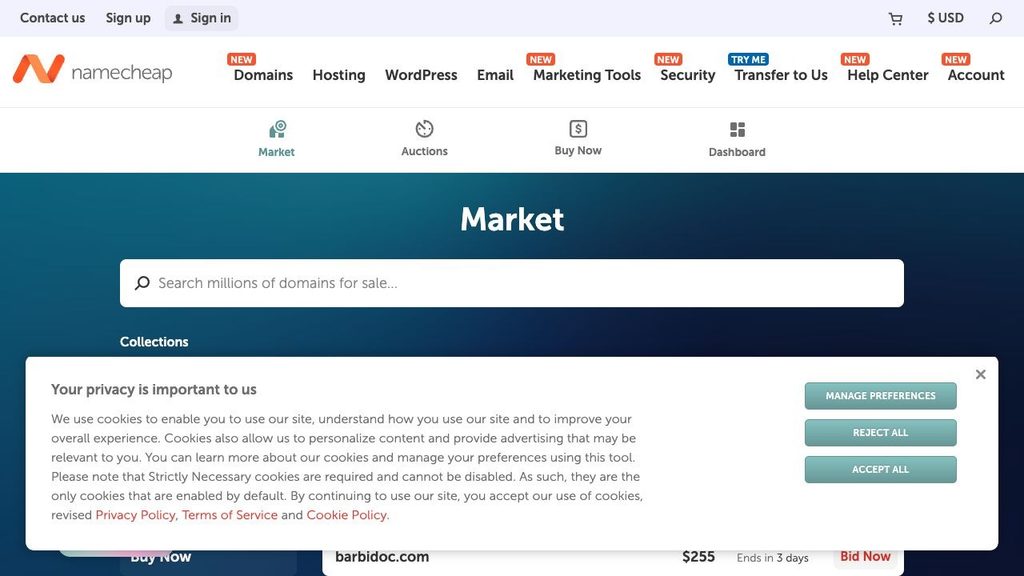
Best for comparing auctions and fixed-price listings from a registrar account.
Namecheap provides separate auction and buy-now listings. Open the listing to identify the sale type and check the terms for your account. Before comparing with another site, add any bidding subscription and renewal charges that apply. The same name may appear in an aggregator with an earlier price or bid count.
For an expired auction, read what happens if the previous registrant renews. Namecheap’s terms allow an account credit or, at its discretion, a refund when an expired auction purchase is reversed for this reason.
6. Flippa
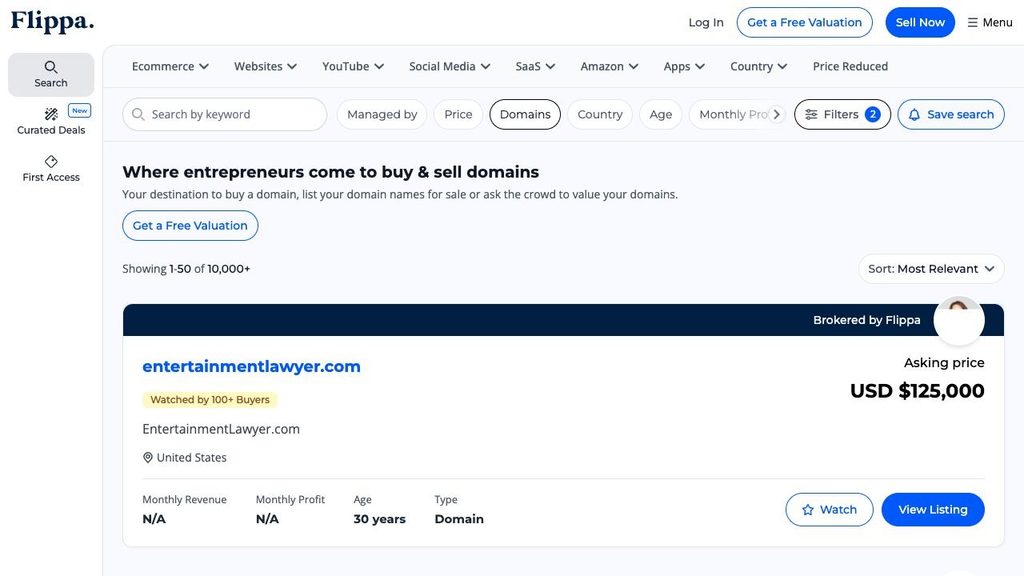
Best for comparing a standalone name with the option of buying an existing site.
Flippa lists domains as well as websites and online businesses. Most listings you encounter here are seller-listed assets. Confirm what the sale includes. A domain-only purchase gives you the address. A website deal may also include content, software, accounts or other assets defined in the agreement.
If the seller includes a site and claims ongoing revenue or traffic, ask for records you can verify and check which assets can transfer. A traffic chart for a site that’s still operating tells you little about what the bare domain would bring in after the site is removed.
7. Domain Coasters
Best for browsing a smaller set of already-acquired domains.
Domain Coasters sells selected names from its inventory and presents historical and backlink information for buyers. This can save time when you’d rather evaluate a few candidates than watch auctions every day. Compare the listed purchase price, ordinary renewal price and transfer terms before committing.
Treat the seller’s screening as a starting point. Review a sample of live referring pages and archived snapshots yourself. If the main selling point is a link from a well-known site, check that the link still appears and see exactly which URL it points to.
8. ExpiredDomains.net
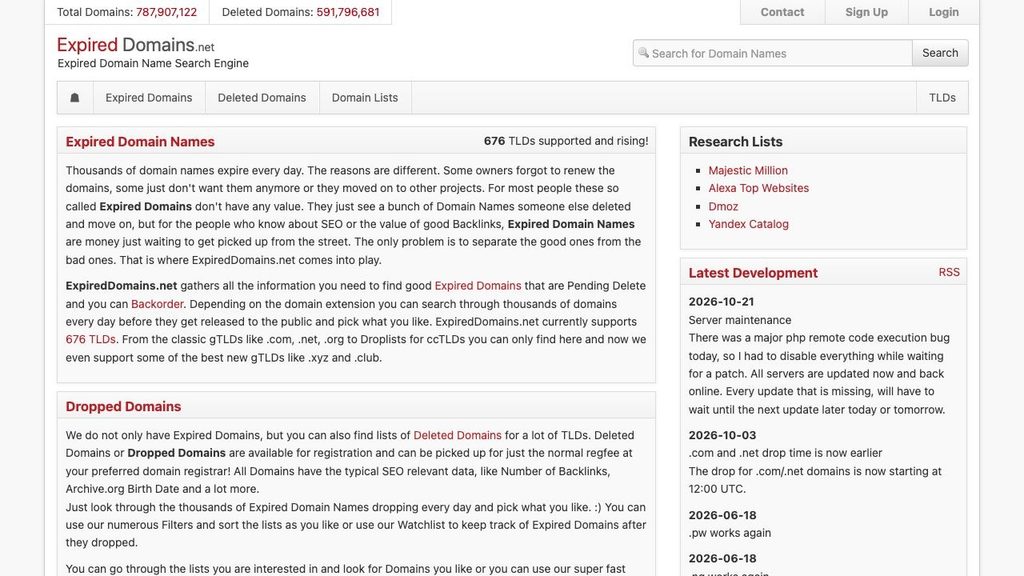
Best for building a shortlist without a paid research subscription.
ExpiredDomains.net brings together deleted domains and listings from outside marketplaces. Search for a term or browse a list by extension, then use filters to narrow the results. The tool is free, and some features require a free account. Acquisition and renewal charges are handled by the relevant marketplace or registrar.
Start with filters tied to the name you want, such as extension, length and words. Open the live listing for your finalists before checking backlinks or trademarks. That quick check can save you from researching a name that has already been bought.
9. CatchDoms
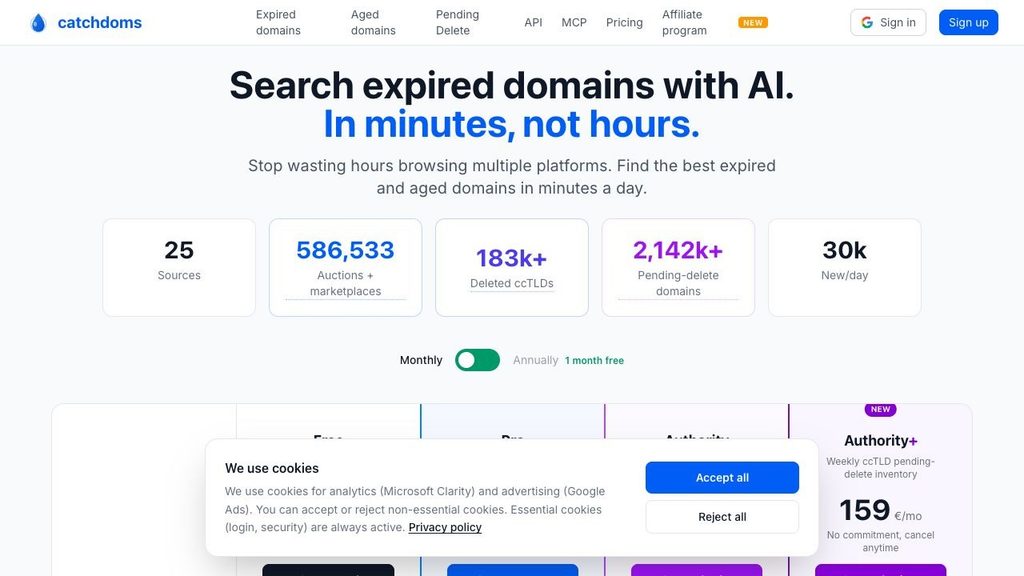
Best for browsing auctions, pending deletes and available names in one interface.
CatchDoms gathers expired-domain data and offers filters and paid research tiers. Use it to see whether a promising domain is listed at auction, approaching deletion or available to register. The source listing or registrar handles the acquisition.
The free tier is a place to try the workflow before paying for more features. If you’re following a specific name, use the deadline and terms on the original listing as the final check.
10. Karma Domains
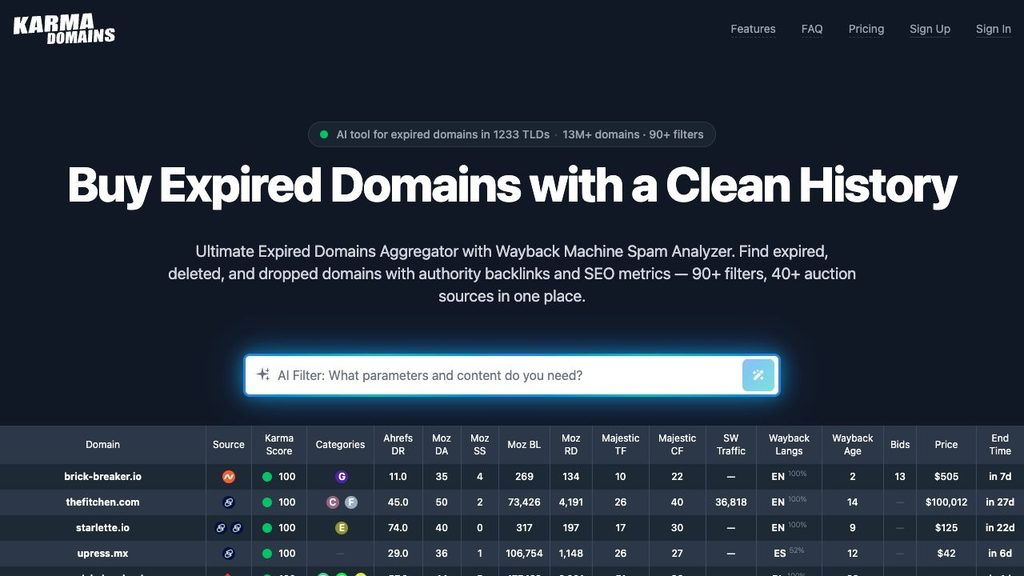
Best for narrowing a large list with archive-based history summaries.
Karma Domains gathers listings from multiple services and uses archived pages to summarize what a domain was used for. Its filters and history score can help you spot a change of niche or a period of suspicious use. The platform offers paid credits and subscriptions, and acquisition happens through the underlying seller or registrar.
Check the snapshots behind any promising score. An archive can miss an important period, especially if a site blocked crawlers or changed hands between captures. Review the earliest and latest captures and sample dates around changes in ownership or subject matter.
11. SpamZilla
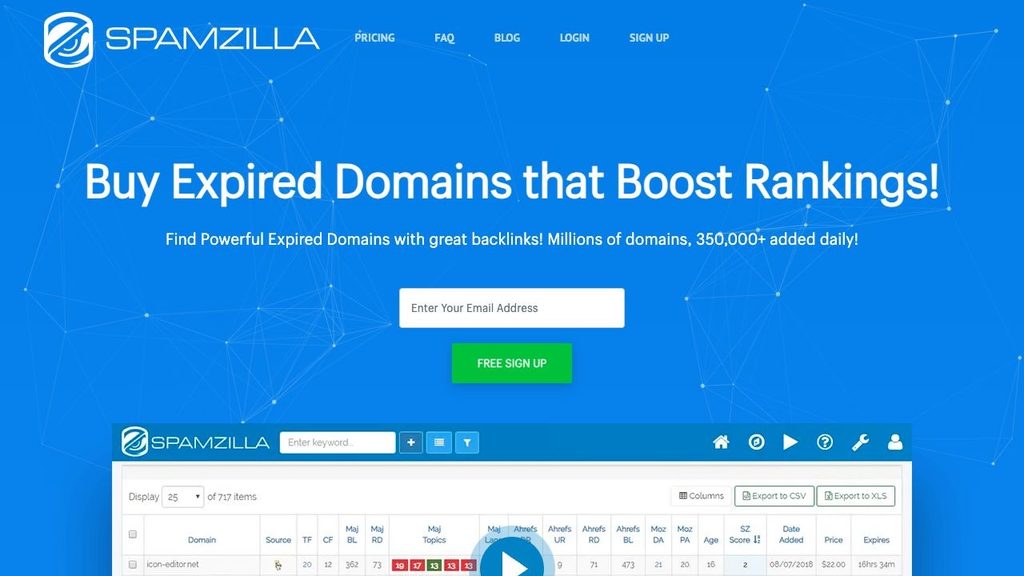
Best for screening many domains for suspicious links and past uses.
SpamZilla combines expired and auction domain data with backlink and historical checks. Its spam score can help identify candidates that merit closer review, and its link data helps you see where a profile is concentrated. It offers limited free access and a paid plan.
Look beyond the score before buying. A profile can appear healthy in aggregate even if the links that attracted you have disappeared, lead to a defunct page or came from sites unrelated to your new project.
12. DomCop
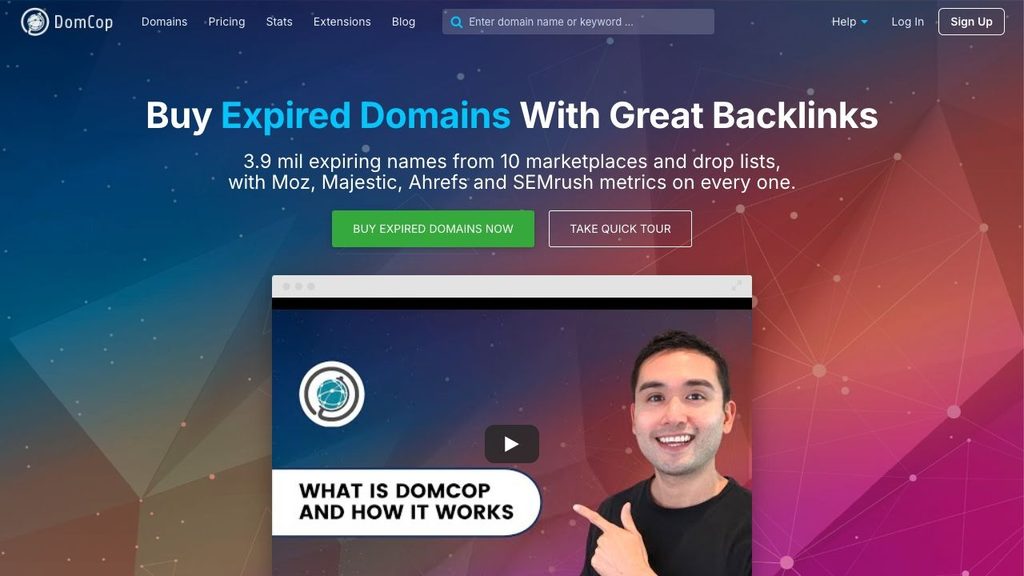
Best for comparing SEO metrics across a large watchlist.
DomCop combines expired and expiring inventory with metrics from multiple providers, including Moz, Majestic, Ahrefs and Semrush. A paid subscription makes sense if you regularly need to sort large lists by comparable metrics. Check which lists and tools your plan includes.
Use the data to set a manageable shortlist and then look at the underlying links. Two domains with similar scores may have very different histories, and a high score can reflect links to a section that has little to do with your plans.
13. Domain Hunter Gatherer
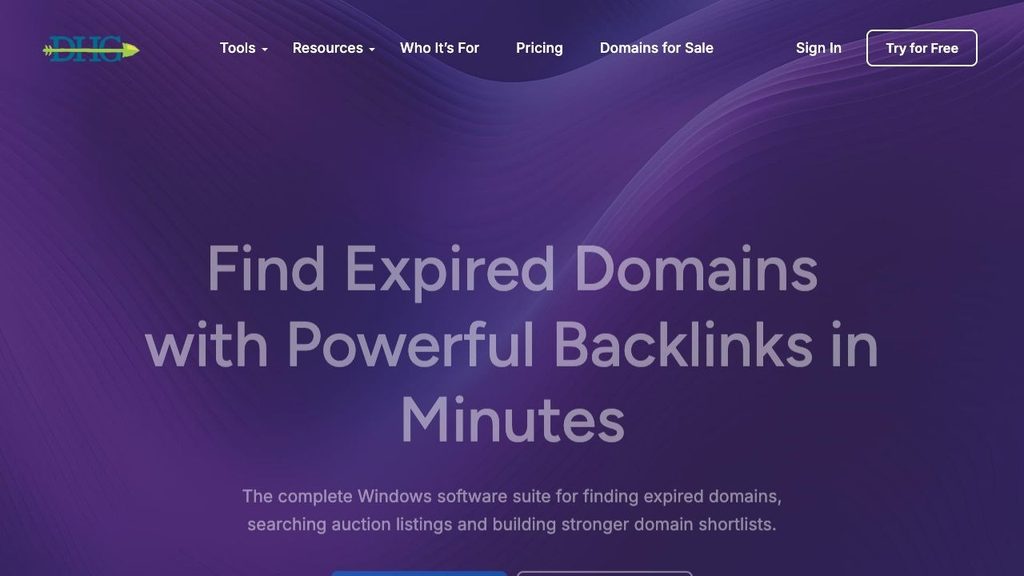
Best for using a desktop workflow to find expired and auction domains.
Domain Hunter Gatherer combines Windows research software with web resources. It suits buyers who want to search across multiple sources and are comfortable configuring a desktop tool. The service offers free and paid options. Check which sources and features the plan covers before subscribing.
Use it to find candidates worth researching, then confirm the domain’s current status with the registrar or marketplace. Traffic estimates can help direct your research, especially when you can trace where the visits are likely to come from.
Six checks before you buy an expired domain
1. Audit the links you care about
Use a backlink tool such as Ahrefs to find the pages sending links to the domain. Open several of those pages and check whether the links still exist, what words people click and which old URLs they reach. A few editorial links from relevant publications may matter more to your project than hundreds of directory links. Unrelated commercial anchors and repeated links from similar-looking sites deserve a closer look.
2. Read the site’s history
In the Wayback Machine, sample the domain across several years, including the months before it stopped being used. Look for abrupt changes of topic, unexpected redirects or stretches of gambling, pharmaceutical spam or hacked content. Archive gaps are common. If the missing period matters to your decision, look at dated mentions and backlinks for more context.
3. Check search visibility and manual actions
A Google search with the site: operator can show examples of indexed pages, but its results are incomplete. A parked or recently offline domain can show few results for reasons unrelated to enforcement. If you can get verified access, review the Manual actions report in Search Console to see whether Google has reported an issue. For a new project, read Google’s expired domain abuse policy before buying a name primarily for its past rankings.
4. Screen the name for trademark conflicts
Search the USPTO trademark database and the WIPO Global Brand Database for exact names and confusingly similar ones in the markets and product categories you intend to serve. Check whether the previous brand still trades under that name. A company can let a registration lapse and retain trademark rights. In qualifying disputes, the UDRP can lead to cancellation or transfer of the domain. If the name is central to your business and the results are ambiguous, get a clearance opinion before bidding.
5. Treat authority and age as clues
Moz’s Domain Authority and Ahrefs’ Domain Rating summarize aspects of a domain’s link profile. Google uses its own ranking systems, and neither score tells you what traffic a new site will get. Compare registration data in ICANN Lookup with archive dates to see how the name has been used across registrations. Pay particular attention to links that disappeared during a long stretch offline.
6. Run the same checks on a closeout
A closeout is a fixed-price opportunity after an auction goes unsold. That can be a good fit when you’ve vetted the name and the total is within budget. Add renewal and applicable fees to the listed price, then check for spam and trademark conflicts just as you would with a higher bid. Set your spending cap before the timer starts influencing the decision.
Frequently asked questions
What’s the difference between an expired domain and a dropped domain?
An expired domain has passed its renewal date. It may still be eligible for renewal or restoration by the previous registrant, or it may be routed to an auction. A dropped domain has been released by the registry and can be registered again if nobody has already secured it. Under ICANN’s recovery policy, most generic extensions have a 30-day redemption period after deletion. Country-code extensions can have different rules.
Do I need a paid tool to find good expired domains?
For one purchase, a free aggregator and a manual review of the archive, links and trademarks are often enough to build a shortlist. A paid subscription is easier to justify when you check listings regularly, compare many domains at once or need to filter across several data sources.
Can I buy an expired domain without bidding?
Yes, if the registrar offers a fixed-price closeout or the domain has dropped and remains available for registration. For a name that’s still in a registrar’s auction pipeline, follow the rules on the live listing. If it’s scheduled to drop, consider a backorder when you expect competition.
Can the original owner reclaim the domain?
It depends on the stage. If the previous registrant can still renew, the auction platform may cancel the sale under its terms. Wait until the domain appears in your account and you can manage it before treating it as yours. Once the acquisition is complete, a prior registration alone generally gives the former holder no automatic right to get it back. Trademark disputes can still arise after delivery.